How Humble Bundle Works: Game Bundles, Humble Choice & Charity Splits
Humble Bundle sells publisher-authorized digital keys through three distinct formats: limited-time themed bundles, the monthly Humble Choice membership, and a regular storefront. Knowing how they differ helps you avoid buying duplicate keys or missing redemption windows.
1 How bundle item tiers work
Themed game, book, and software bundles on Humble Bundle are organized into price tiers (for example, a starter 3-item tier, a mid-tier, and a full-bundle tier). Filter buttons at the top of each bundle page let you preview exactly which items are included at each price level before you pay. Higher tiers always include every item from the lower tiers.
2 Check which launcher redeems each key
Humble Bundle does not lock you into its own game launcher; instead, it delivers official activation keys for established platforms. While many PC game bundles provide Steam keys, individual titles—or entire publisher bundles—may redeem on Epic Games Store, EA App, Ubisoft Connect, or GOG. Click any game tile on the bundle page to verify its platform icon, operating system support (Windows, macOS, Linux, or Steam Deck verification), and whether DLC items require owning a separate base game.
3 Humble Choice vs. one-time bundles
Humble Choice is a recurring monthly subscription that unlocks a curated batch of PC games to keep each month, along with an active-member discount in the Humble Store. Unlike one-time bundles, Humble Choice renews automatically unless you skip a month or cancel in your account settings before the billing date.
4 Adjusting the payment split at checkout
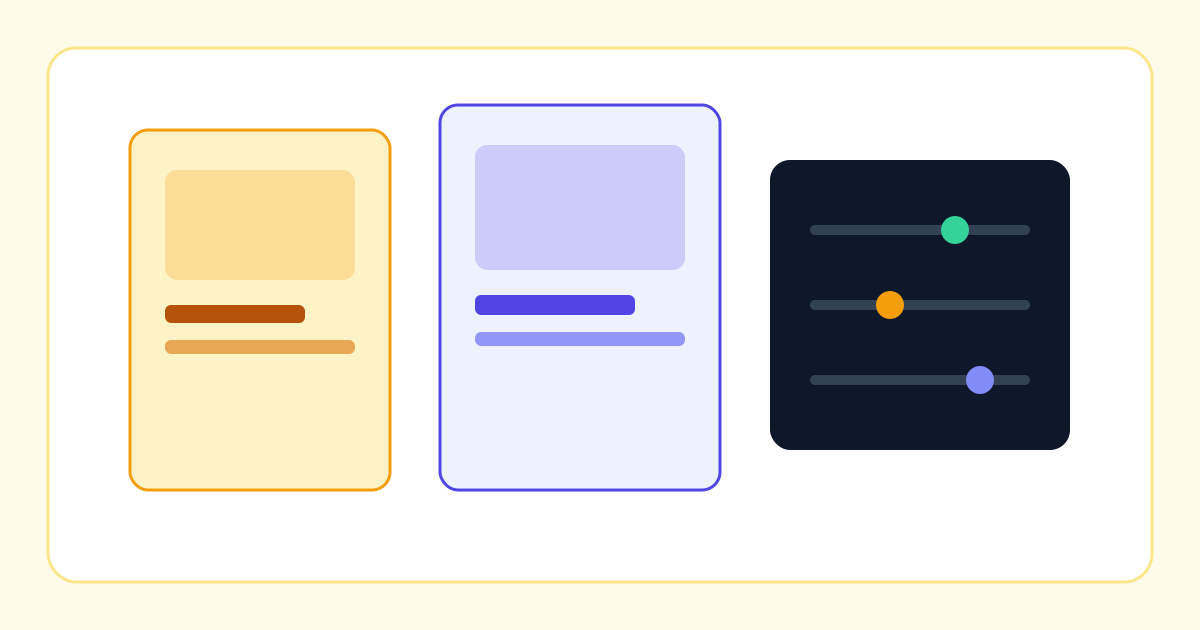
On themed bundles, expand the Adjust Donation dropdown before checkout to see how your payment is divided between game publishers, the featured charity, and Humble. Custom sliders let you increase the share going to charity within the bundle's minimum rules.
5 Watch for redemption deadlines and region notes
Once you purchase a bundle, claim and redeem your keys promptly. Occasionally, promotional or publisher keys carry a stated redemption expiration date shown in your Humble key library, and revealed keys generally cannot be refunded.
Quick Pre-Checkout Checklist
- Selected the exact item tier filter to confirm all desired games are unlocked.
- Checked the launcher icon (Steam, Epic, GOG, etc.) on every title.
- Verified you are not buying a DLC-only coupon without owning the base game.
- Reviewed the charity slider split before submitting payment.