Logitech G Wireless Peripherals Guide: Mice, Keyboards & Audio
Logitech G separates its gaming hardware from Logitech's office lineup (such as MX Master) because gaming devices prioritize high polling rates and low wireless latency. Here is what to verify before choosing wireless gear for your desk.
1 Understand Lightspeed 2.4 GHz vs. Bluetooth
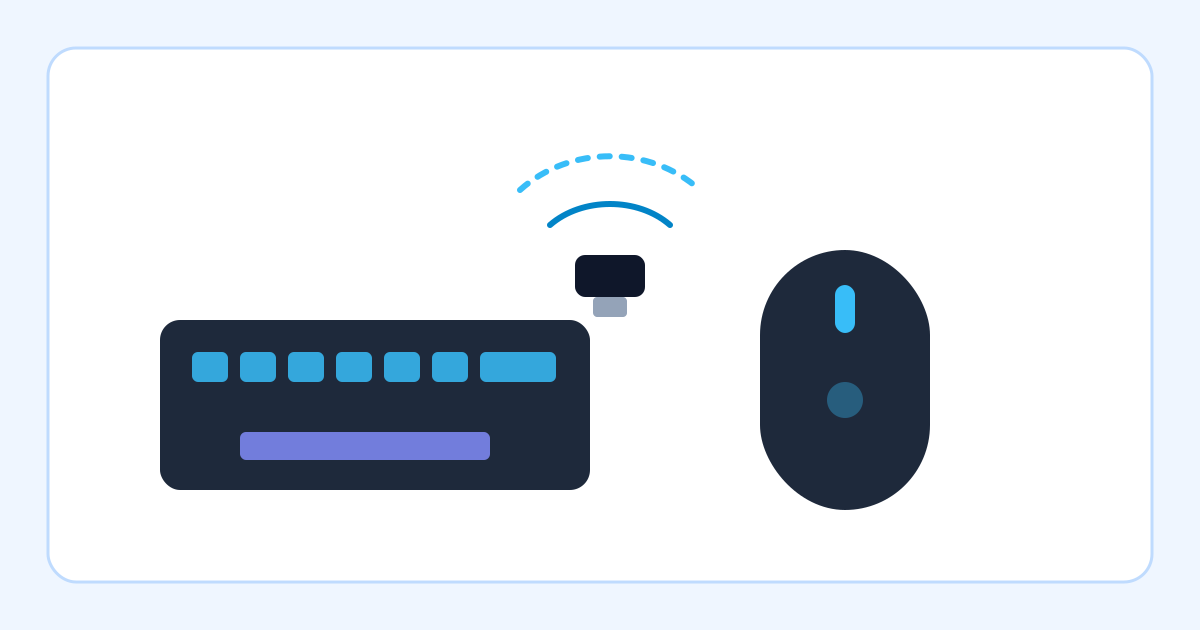
Most wireless devices on Logitech G use a dedicated USB receiver labeled LIGHTSPEED. Unlike standard Bluetooth—which adds noticeable audio or cursor delay in fast games—Lightspeed uses a 2.4 GHz link built for consistent 1000 Hz (or higher) reporting. Note that gaming Lightspeed receivers are distinct from Logitech's office Logi Bolt receivers and cannot pair with office mice.
If you switch between a desktop PC and a work laptop, look for models that include both Lightspeed and a separate Bluetooth button so you do not have to move the USB dongle back and forth.
2 Compare PRO Superlight, G502, and G305 mice
- PRO X Superlight series: Minimalist, ultra-lightweight symmetrical mice with just two side buttons—aimed at competitive shooters where low weight reduces wrist fatigue.
- G502 X series: Feature-rich right-handed mice with extra index-finger and thumb buttons plus a dual-mode scroll wheel that toggles between notched steps and fast free-spinning.
- G305 Lightspeed: Compact, budget-friendly wireless mouse powered by a single replaceable AA battery rather than an internal rechargeable cell.
3 Choose between low-profile and standard-height keyboards
Keyboards such as the G915 X series use slim, low-profile mechanical switches that sit closer to the desk like a laptop keyboard, reducing wrist angle without needing a thick wrist rest. Standard-height boards like the PRO X TKL use traditional tall keycaps and make it easier to swap third-party keycaps later.
4 Check headset weight, charging port, and console support
Lightweight fabric headsets like the G435 or G535 are comfortable for long sessions and glasses wearers, while ASTRO and PRO X 2 models add heavier metal frames and detachable boom mics. Always verify USB-C charging and check the compatibility chart if you play on Xbox, PlayStation, or Nintendo Switch.
5 Logitech G HUB and Onboard Memory Manager
Full lighting and macro customization runs in Logitech G HUB on Windows and macOS. If you prefer not to keep background software running on a work or tournament PC, Logitech also offers a lightweight standalone utility for many gaming mice called Onboard Memory Manager to set DPI slots directly on the mouse.
Quick Pre-Checkout Checklist
- Checked whether you have a free USB-A port (or adapter) for the Lightspeed receiver.
- Verified dual Bluetooth + Lightspeed support if using one keyboard across two computers.
- Confirmed USB-C charging cable vs. AA battery power preference.